More Power for Power Users: Parallel Optimizations
intelliDivide
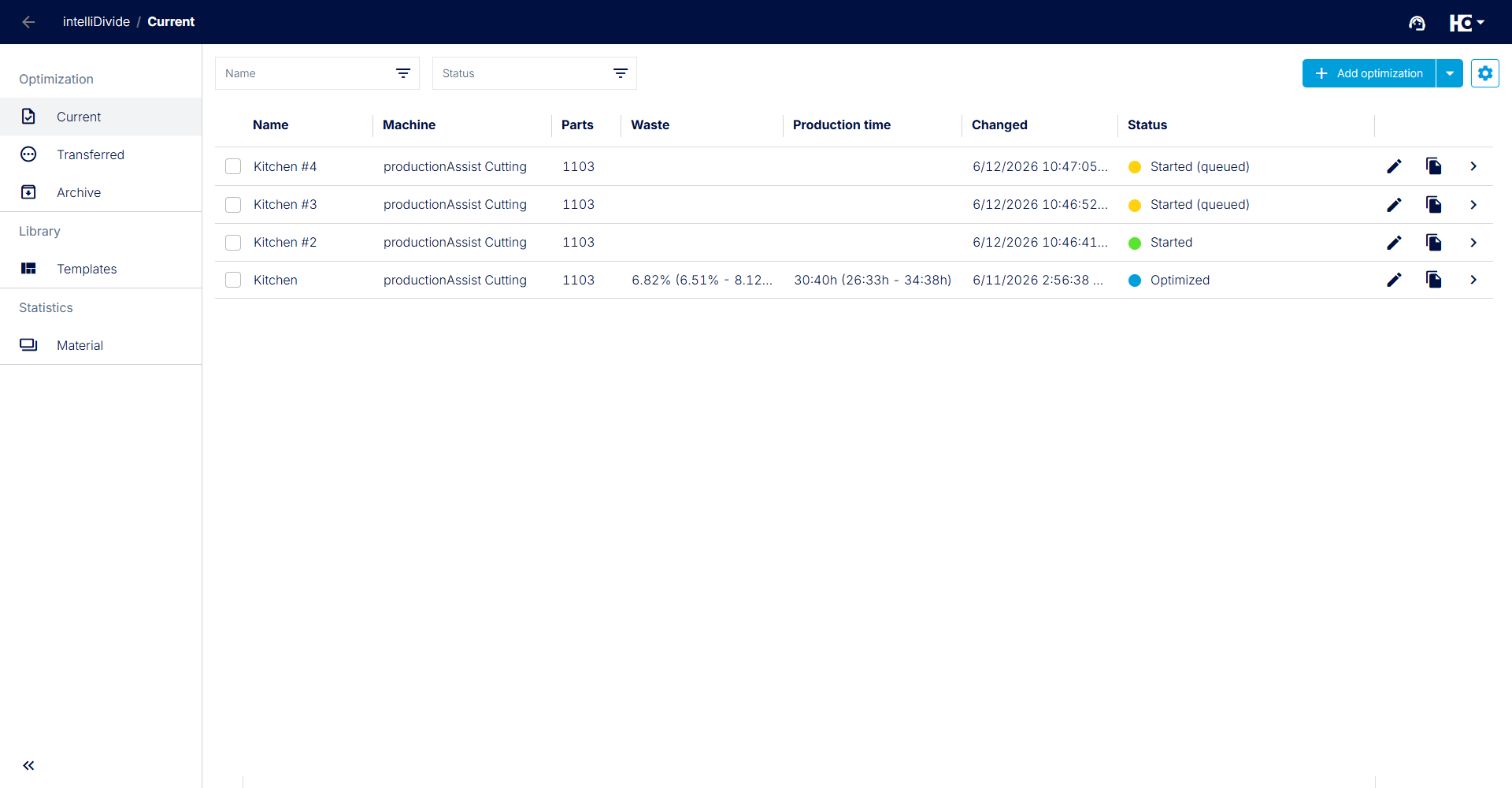
Overview of optimizations with the new queue status – running and pending jobs are displayed transparently.
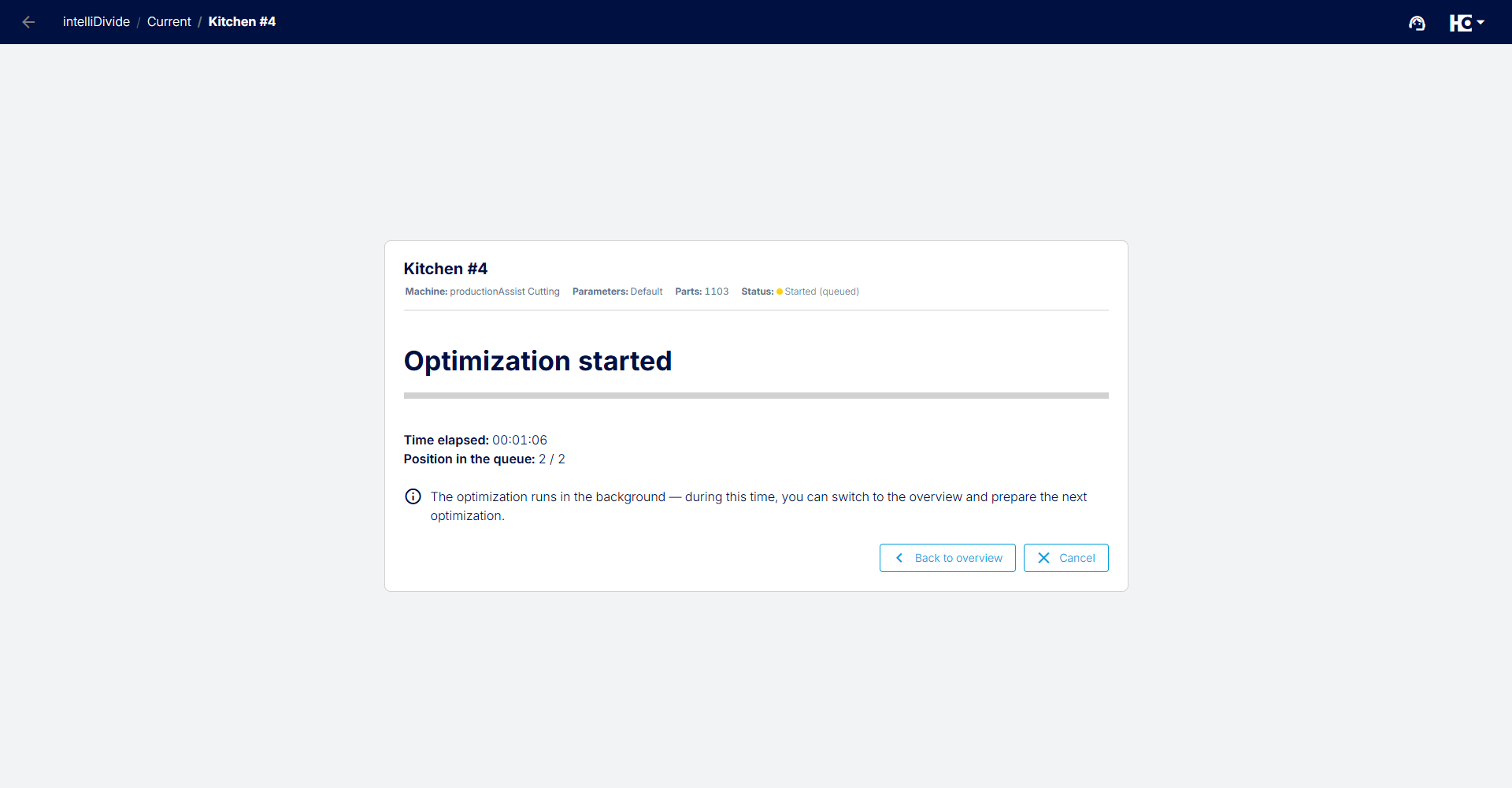
Detailed view of a started optimization showing queue position and automatic background processing.
intelliDivide is no longer used only on the shop floor. Increasingly, customers rely on it for fully automated pre-optimization—such as running in the background of online shops (Cut-to-size) or calculating differently composed batches to optimize production.
To manage this high volume of data in a fair and efficient way, we are introducing a new queue logic along with an add-on license.
The New Standard: One After Another.In the standard version of intelliDivide, one optimization is executed at a time. If you (or your connected system) start additional optimizations while a current calculation is still running, they will not be lost. Instead, they are automatically moved to the new “Queued” status. As soon as the active optimization is completed, the next job in the queue starts automatically.
Upgrade for High-Volume Customers: For highly automated businesses that connect their processes via APIs and need to calculate large numbers of jobs in a very short time, sequential processing is often not sufficient.
For this use case, we have introduced the new add-on license: “Additional Parallel Optimization.”
- Your benefit: Each additional license enables one more optimization to run in parallel with the first one.
- This allows you to scale intelliDivide exactly to the speed and throughput of your business model—without jobs piling up in the queue.
Interested? Use the contact form on intelliDivide Cutting or intelliDivide Nesting, or simply get in touch with us directly.
Back to List