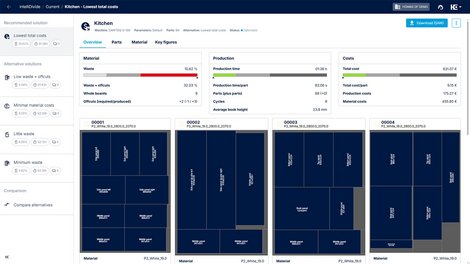
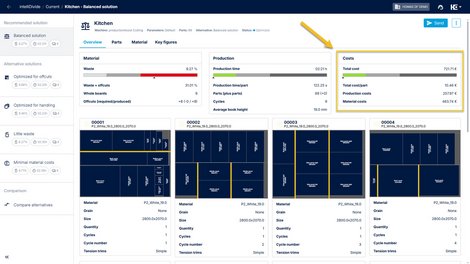
New selection options for boards and/or offcuts
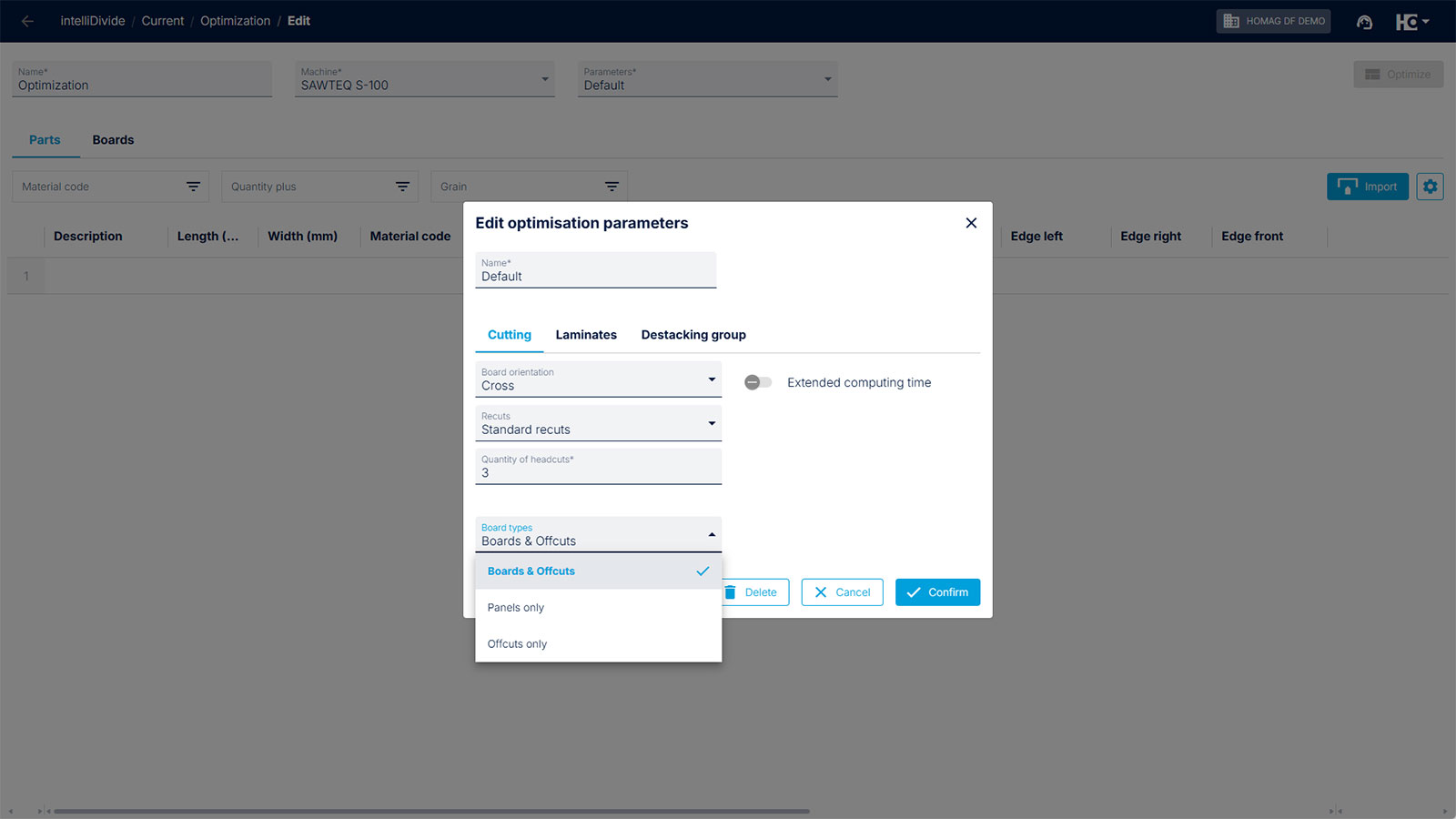
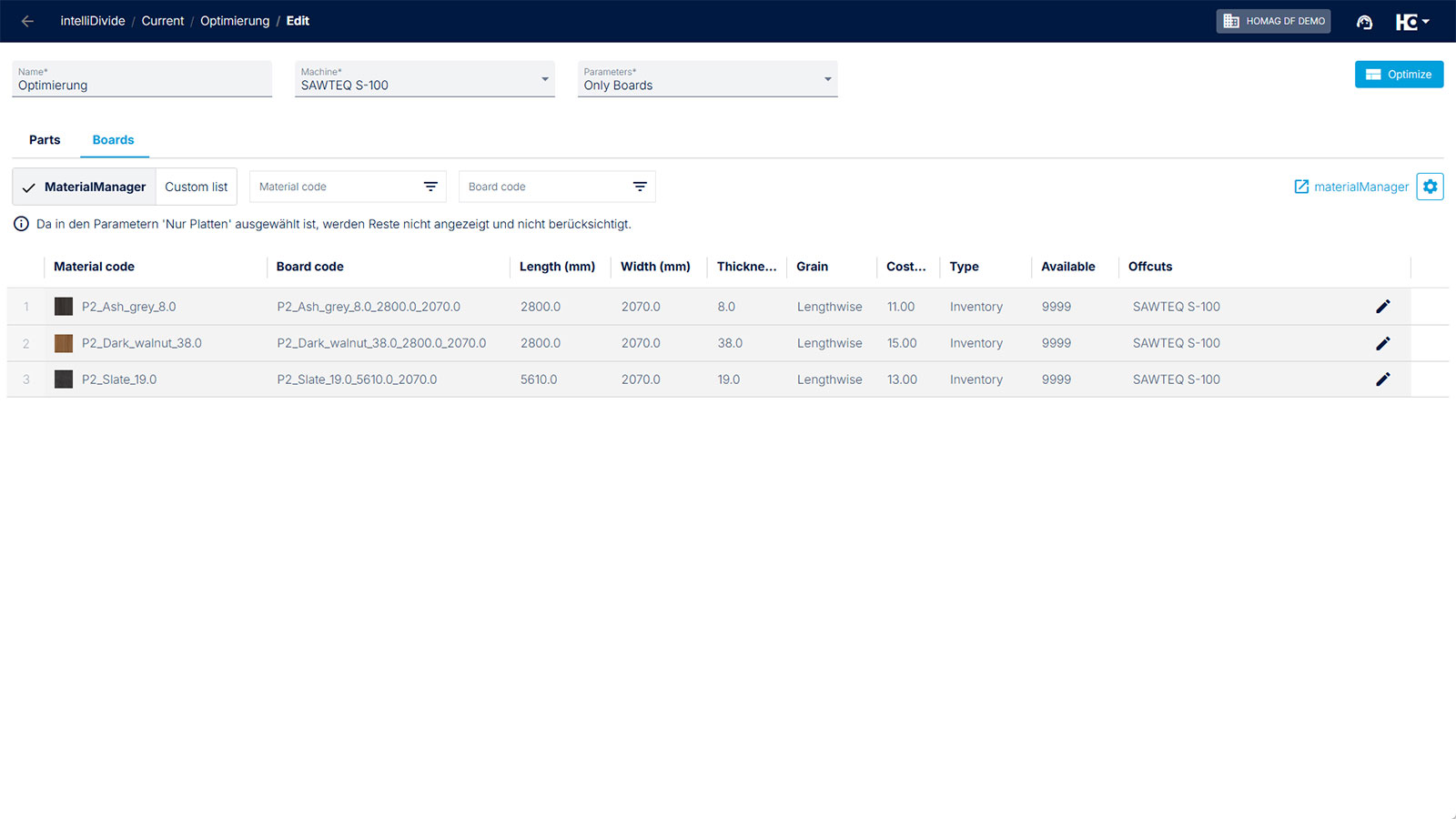
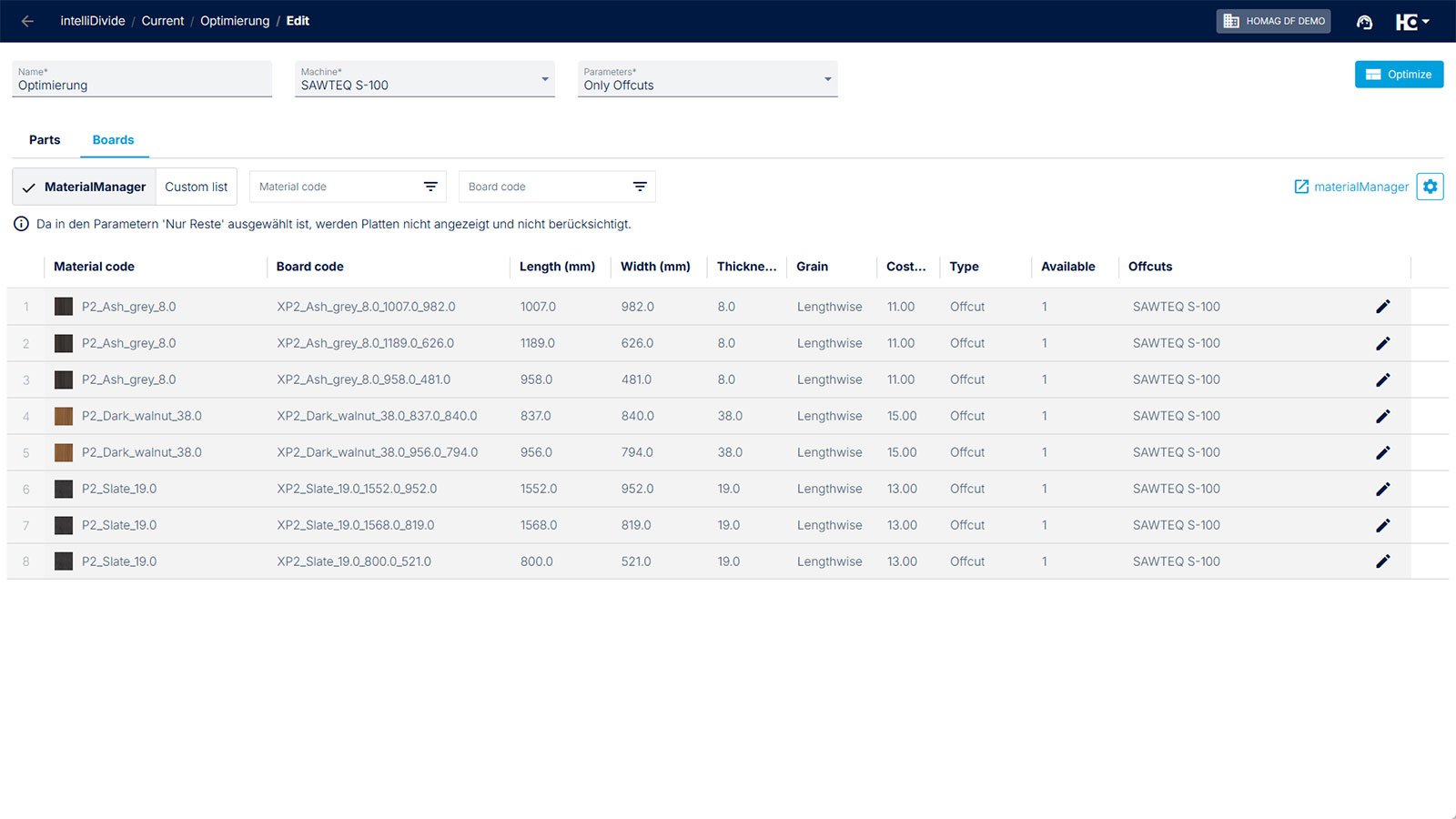
New drop-down menu for selecting the board type
Example 1: Use of full boards only
Example 2: Use of offcuts only
A new drop-down menu with a big impact: From now on, you can decide specifically which material sources intelliDivide should access before optimization. This creates order in the offcut rack and certainty in your calculations.
The new feature:
You will now find a new selection option in the optimization parameters immediately. You have three clear options for how intelliDivide should calculate your job:
1. Boards and offcuts (Standard)
intelliDivide intelligently combines your stock (offcuts) and full boards to minimize waste.
2. Only boards ("The calculation mode")
Are you preparing a quote for a customer and need a reliable price basis? Quotes are typically calculated for whole boards only. The offcuts in storage are ignored. If you calculate using full boards, you will receive realistic material costs for your quote—without the risk that a planned offcut may no longer be available when production starts.
3. Only offcuts ("The cleanup mode")
Is your offcut rack overflowing? Use this option for internal jobs, plinth panels, or filler parts. In this case, intelliDivide uses only offcuts for optimization. This allows you to create valuable space in your stock.
NOTE:
You don't have to set this up every time! Simply create different parameter templates (e.g., a template Quote/New Goods and a template Cleanup Storage). This allows you to switch between optimization strategies the app or via HOMAG Connect.
The function is available immediately when you start your next optimization.
Back to List