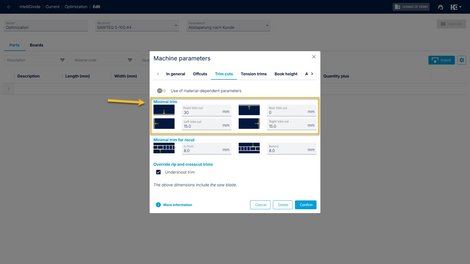
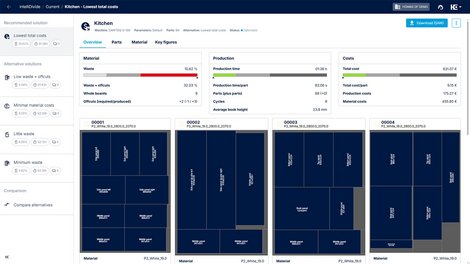
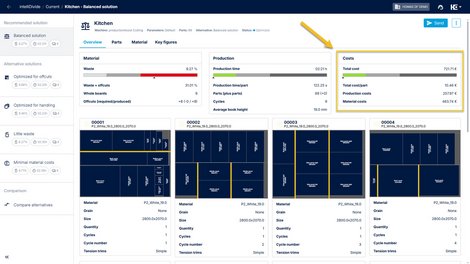
Display of the machine configuration
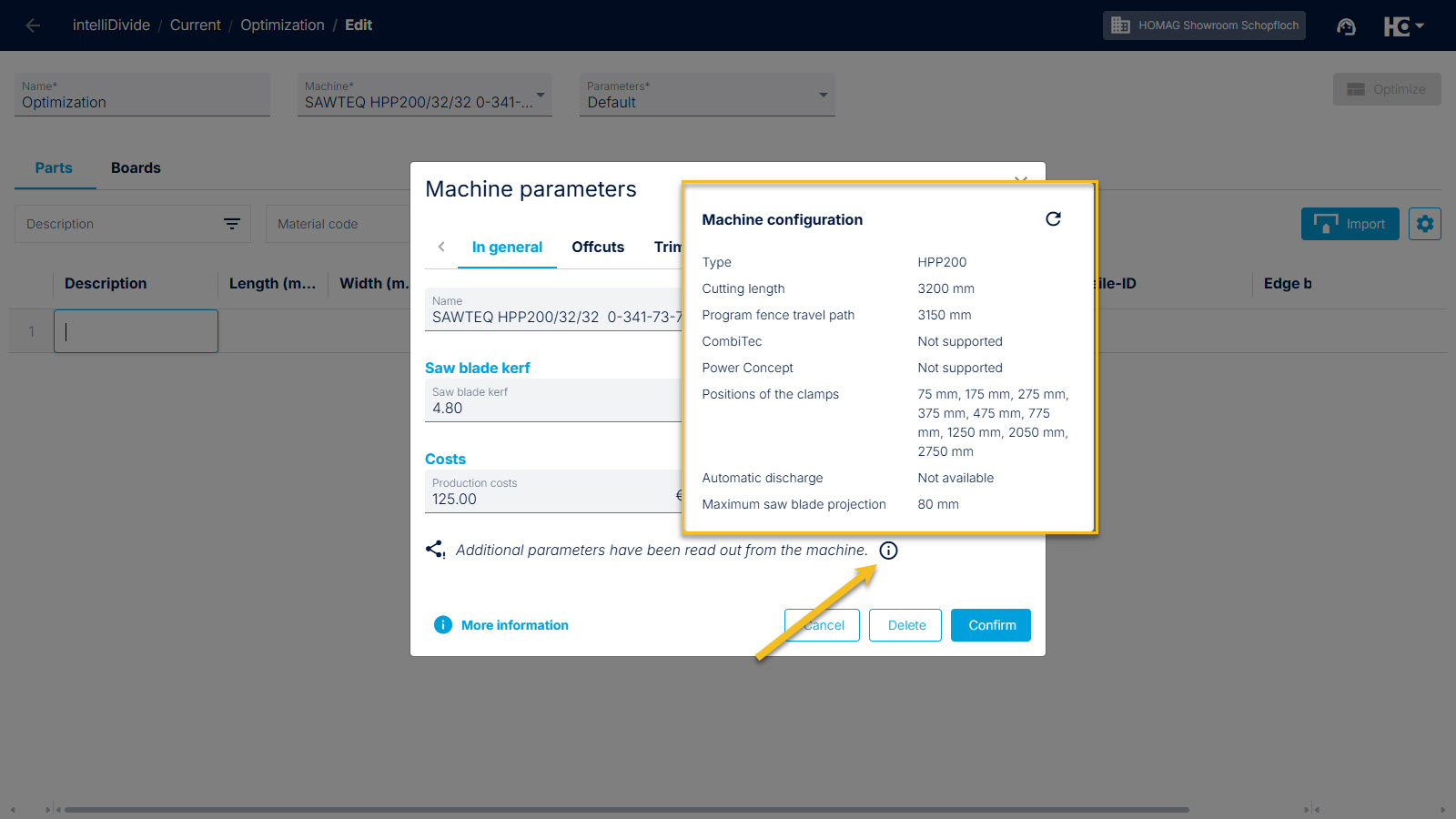
Display of the machine configuration for a tapio connected machine
From now on: intelliDivide automatically imports your saw’s technical data. This saves you the hassle of manual setup and prevents typos.
Until now, this process took place invisibly in the background. With the new update, we’re making this data visible to you.
Perhaps you’ve wondered why intelliDivide knows your saw so well without you having entered machining dimensions or collet positions. This is due to the intelligent connectivity via tapio.
As soon as you register your machine with its serial number in tapio, the following happens:
- For connected machines: intelliDivide reads the configuration (e.g., limits, speeds) directly from the machine in real time.
- For non-connected machines: Even if the machine has no internet connection, intelliDivide accesses HOMAG’s database and loads the configuration as the machine was delivered.
The automatically imported values are now displayed in the machine parameter dialog. This means you can check at any time which technical data intelliDivide is using for its calculations.
Back to List